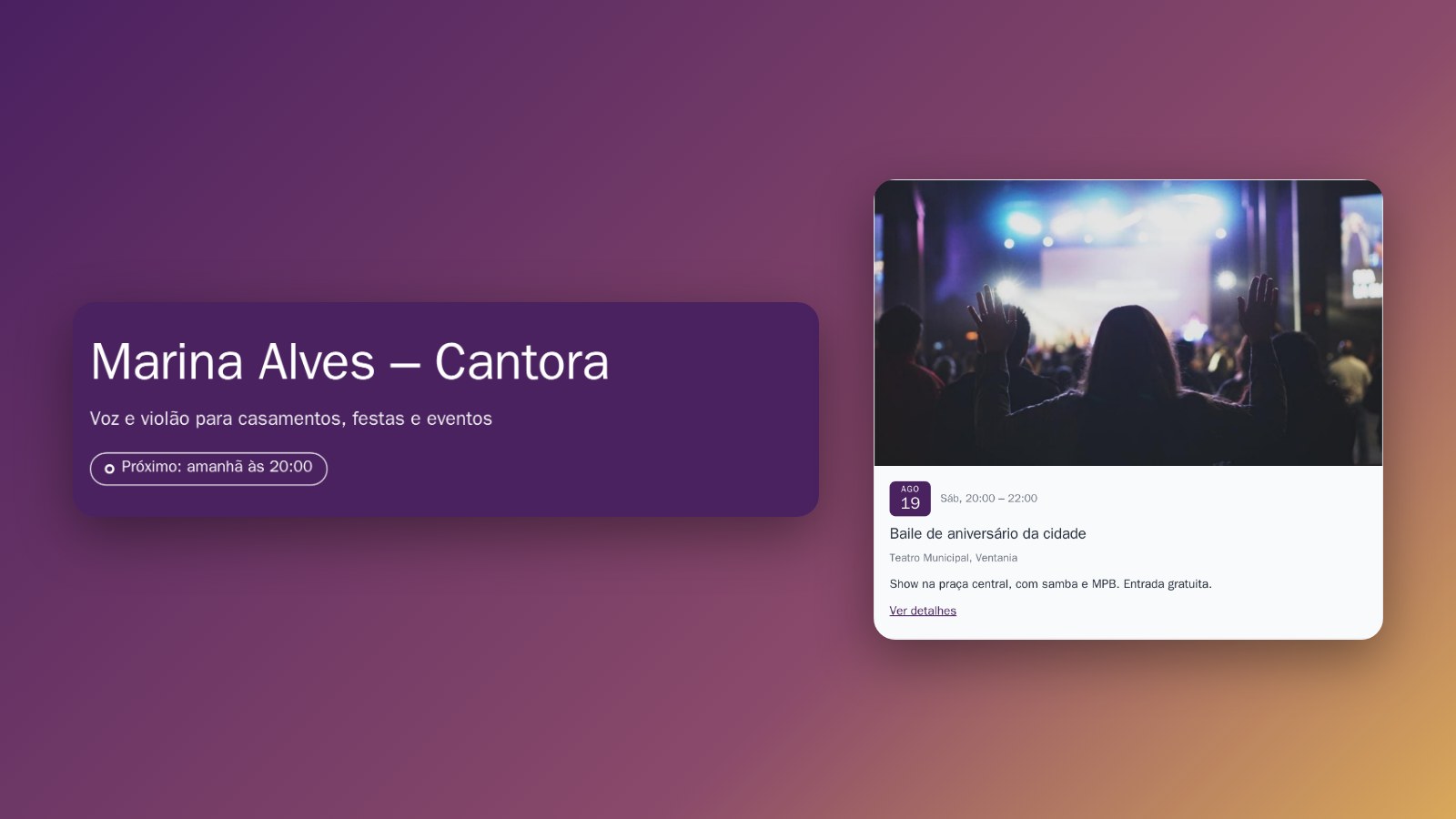
If you sing, play or run parties, your site can list your shows, put the next show at the top, link to Spotify and YouTube, and offer your promo material for download.
- Next show at the top. Anyone who opens your site sees it right under your name: Next: tomorrow at 20:00 (or Happening now while the show is on). Tap it and you go straight to the list of shows.
- List of shows. Each show is a card with the day, the time and a photo. The card disappears by itself after the date.
- A show at another venue. A show at a theatre, a club or a wedding happens away from your address. You enter the venue, and the event page shows that address, not yours.
- Spotify, YouTube and SoundCloud. Buttons with each platform's icon, for people who want to listen before they book (see how).
- Files to download. A press release as a PDF, a promo photo, the technical rider: up to 5 files in the contact section, so the event's organiser can download them without asking.
- Towns you serve. If you work from home and travel to play, you do not have to show an address: the site lists the towns you serve.
- Booking requests on WhatsApp. The client taps the button and the chat opens with the message ready.
Without an end time, the badge at the top counts 3 hours from the start of the show. If the show lasts longer (an all-day party, say), fill in when it ends.
How to do it in the editor
- In the editor, under Agenda, tap + Adicionar aviso, write the name of the show and the text, and add a photo (see how).
- Tap the date, choose Um dia, the day, the time under Começa and, if you know it, under Termina. Tap Pronto.
- Is the show at a theatre or a club? Turn on É um evento aberto ao público, then O evento é em outro lugar. Write the venue's name, the street and the city (see the event page). Only for shows open to the public: a private party stays a plain notice.
- Tap Publicar.
The Next badge at the top, the files to download and the towns you serve I switch on for you: message me on WhatsApp.