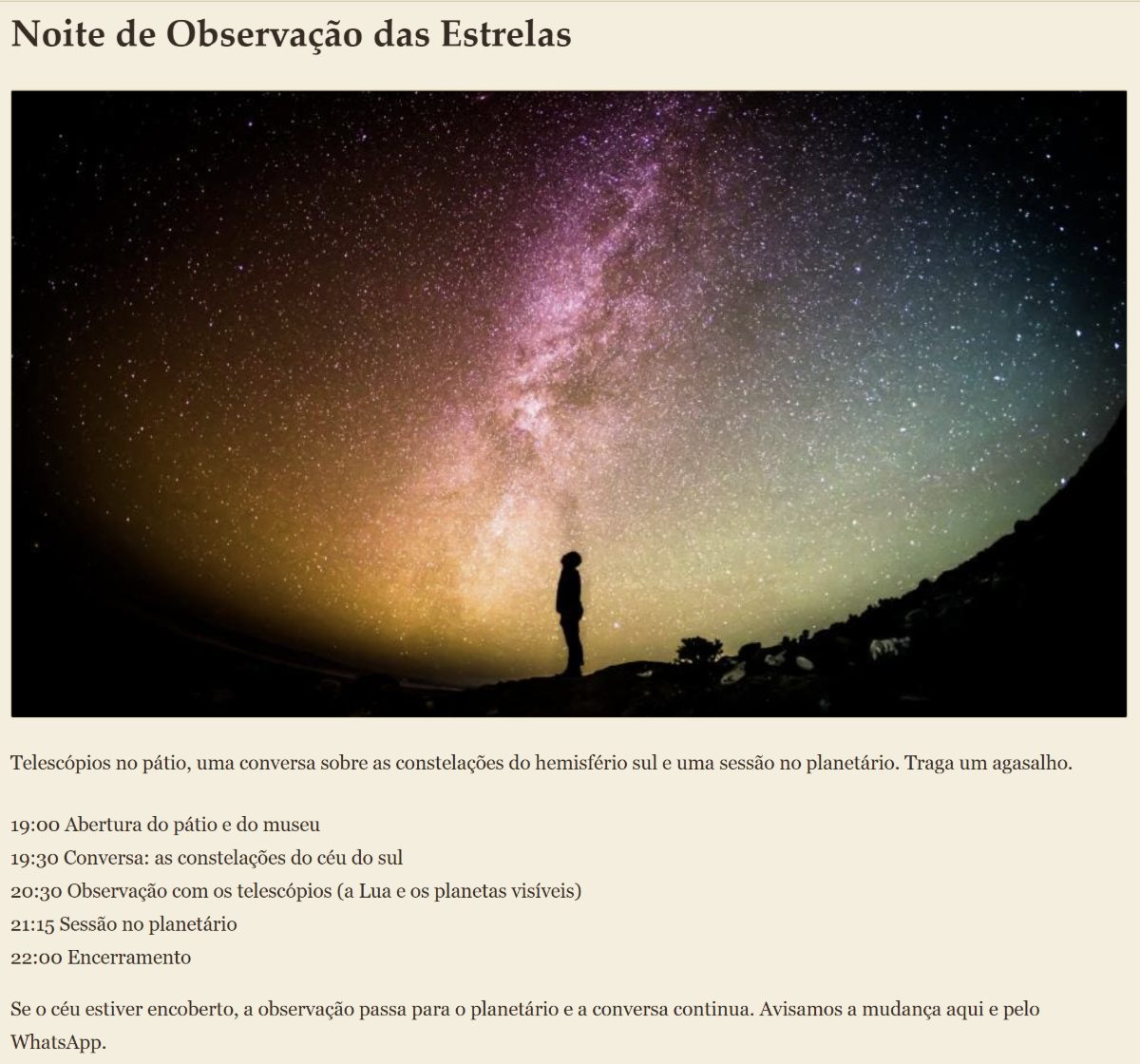
A real event with a set day gets a page of its own that Google can show, with the programme, photos and the event's status.
- The card in your events list becomes a link to the event's page, with the day, the time, the address and the details.
- If the event is cancelled, postponed or moves to a new date, the page says so. Nobody turns up for nothing.
- After the day of the event the page goes offline by itself.
- Only for real events: a live music night, a tasting, a themed dinner. Promotions, “every Wednesday” and opening hours are not events.
Google decides whether to show the event in its results; the page only makes everything ready for that.
How to do it in the editor
- In the editor, under Agenda, tap + Adicionar aviso and write the title and the text (see how).
- Tap the card's date, choose Um dia and the day of the event. Tap Pronto.
- Turn on É um evento aberto ao público. If the switch is missing, fill in the address (street and city) under Contato.
- Under Situação, leave Confirmado, or choose Cancelado, Adiado or Nova data (then you pick the new day).
- Under Detalhes do evento, write the programme, the times and what to bring.
- Tap Adicionar foto for up to 6 photos. One can be a picture of the programme or the timetable.
- Tap Publicar.
Want the event in another language? Use Traduções, in the Mais menu.
Without the monthly plan? Send me the event details on WhatsApp and I will add it to your site.