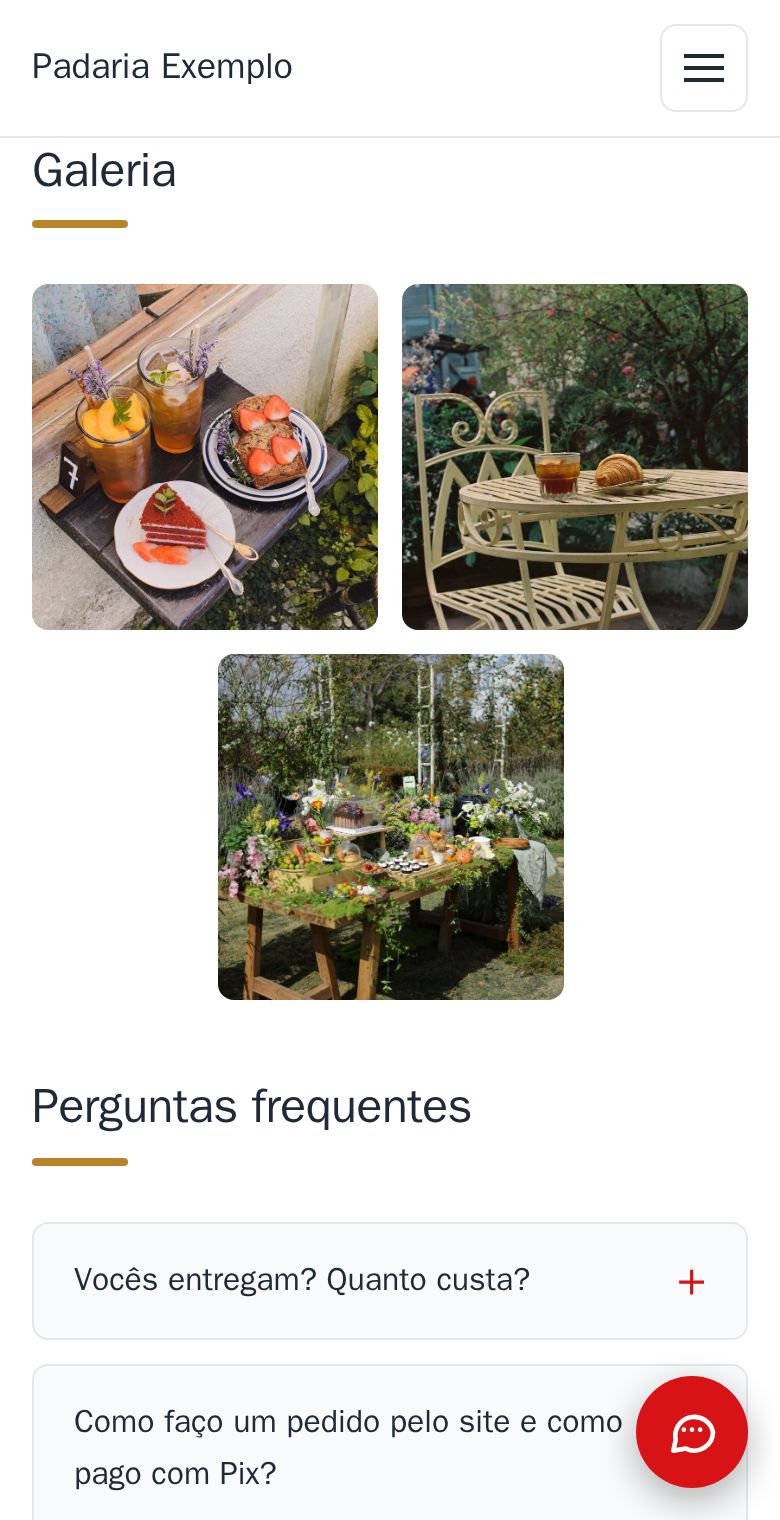
Up to 30 photos in the gallery, from the editor, and you add, swap and remove them whenever you like.
- Photos: up to 30 in the gallery. For a new photo, tap “Adicionar foto” (add photo).
- Size: the editor shrinks every photo by itself before it uploads, so the site stays fast. The photos you upload from the editor add up to 10 MB, and 30 photos usually fit well.
- Videos: at most 3 on the whole site, counting the one at the top. Videos are something only I add: send it to me on WhatsApp.
- More than 30? Message me and we will see what makes sense for your site.
It is part of the site, at no extra cost. See the gallery of the example bakery.
How to do it in the editor
The editor is in Portuguese; the button names are in quotes.
- In the editor, in the “Galeria” (gallery), tap “Adicionar foto” (add photo) and pick one from your phone, or take one on the spot.
- To remove a photo or change the order, tap it and choose “Tirar da galeria” (remove from the gallery), “Mover para antes” or “Mover para depois” (move earlier, later).
- Tap “Publicar” (publish).
Want a caption under a photo, or to choose the part that shows? See Captions and links on the gallery photos and Swap photos and choose the part of the photo that shows.