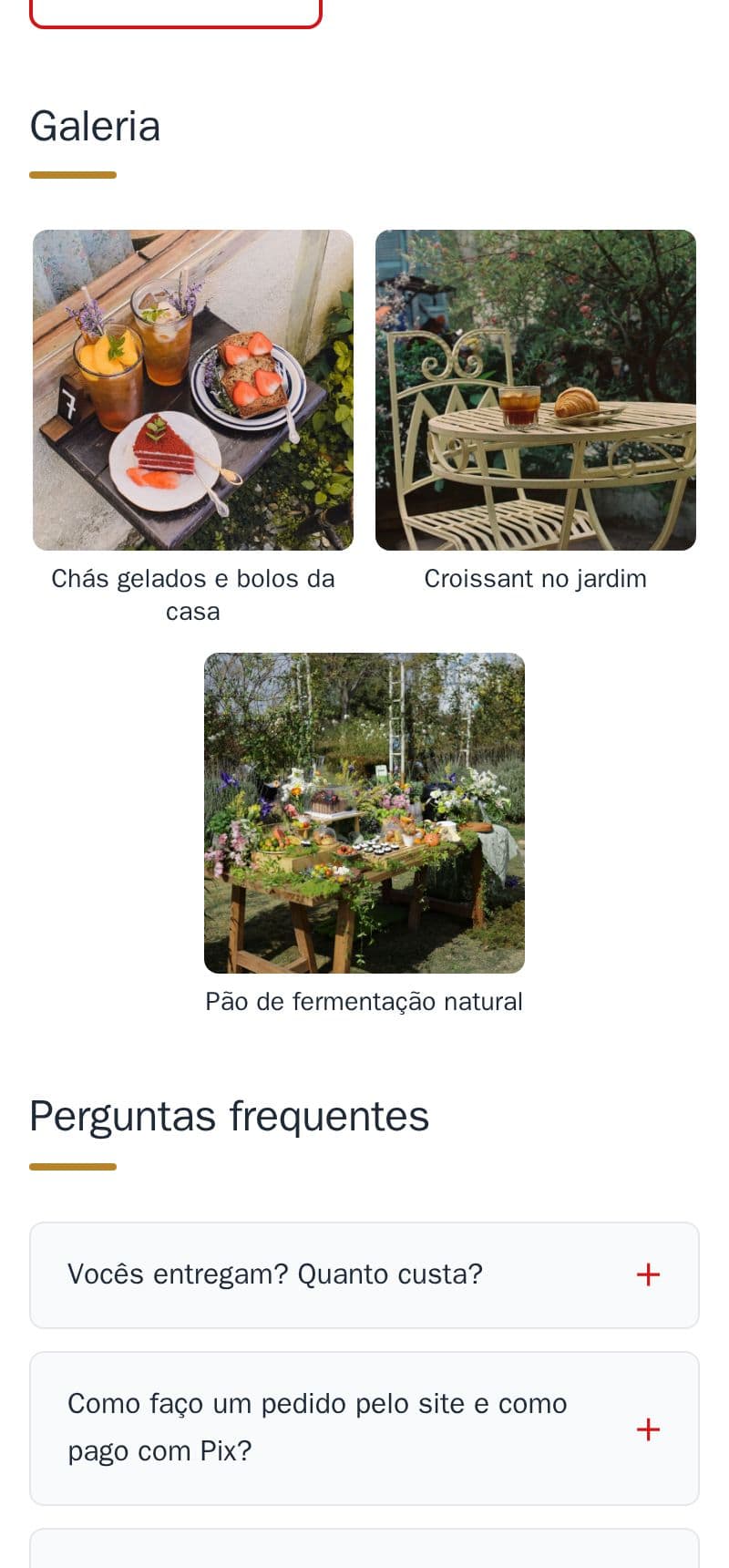
A short line under each gallery photo, like the dish's name, and a link if you like.
- The caption shows under the photo, and also when a customer opens the photo full screen.
- At most 80 characters, and optional: a photo without a caption stays as it was.
- The link is optional too, for example to the photo's Instagram post.
It is part of the site, at no extra cost. See the gallery of the example bakery. The captions on the cover image are an example.
How to do it in the editor
The editor is in Portuguese; the button names are in quotes.
- In the editor, in “Galeria” (gallery), tap the photo.
- Tap “Legenda (opcional)” (caption), write it and tap “Pronto” (done).
- Tap “Publicar” (publish).
For the link under the photo, ask me on WhatsApp.