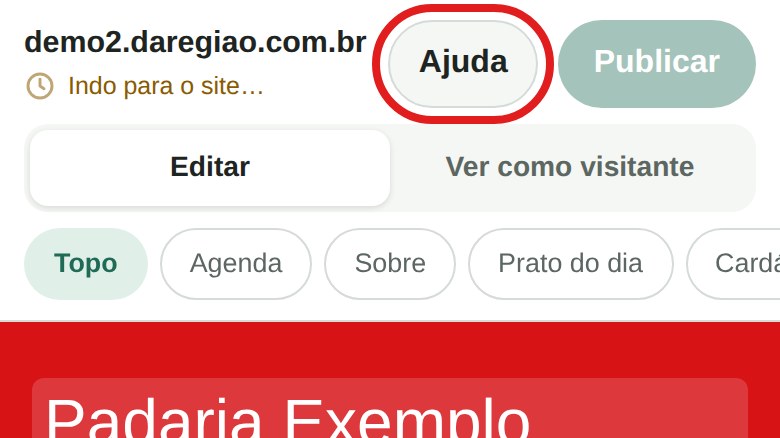
In doubt in the middle of an edit? Tap Help, ask in your own words and read the answer right there, without leaving the editor.
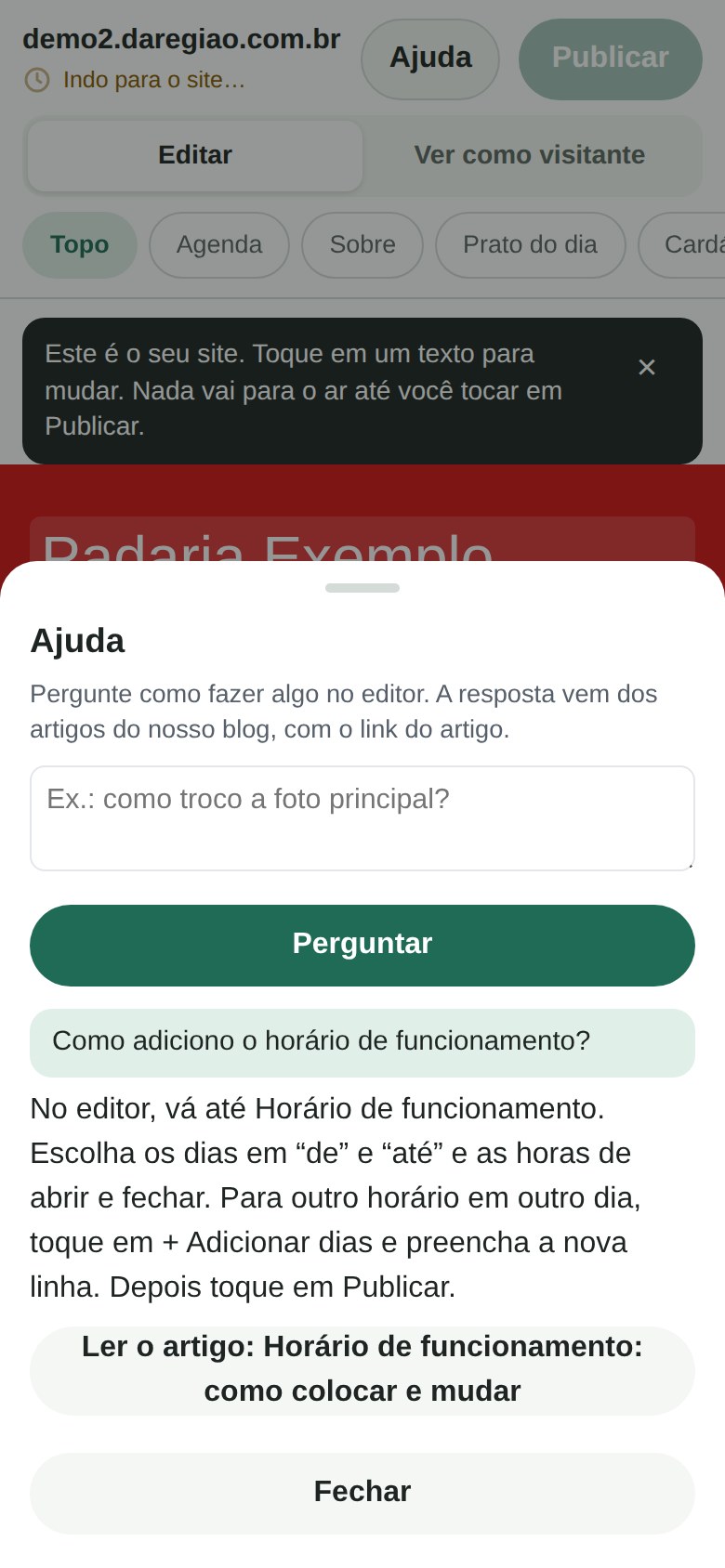
- The answer is short and comes from the articles on this blog, with the link to the article for the full step by step.
- Ask in Portuguese, English or Spanish: the answer comes in the language of the question.
- If the articles do not cover the question, Help says so and offers a button to ask me on WhatsApp.
It is part of the editor, which is in the monthly plan, with no add-on to pay.
How to use it
The editor is in Portuguese; the button names are in quotes.
- In the editor, tap “Ajuda” (help), at the top of the screen.
- Write the question as you would say it, for example: “how do I change the main photo?”.
- Tap “Perguntar” (ask). The answer appears below, with the “Ler o artigo” (read the article) button.
- Want more? Tap “Ler o artigo”. Did not find what you needed? Tap “Perguntar ao Patrick pelo WhatsApp” (ask Patrick on WhatsApp): the message already has your question in it.
The editor's button names are in Portuguese even when the answer comes in English or Spanish. So Help keeps them in quotes, with the translation, as the articles do.
What is kept
The questions Help cannot answer are kept for 90 days, only the text of the question, without your name, the site's address or e-mail. A question with an e-mail address, a link or a phone number is not kept at all. I read that list to see which article is still missing.