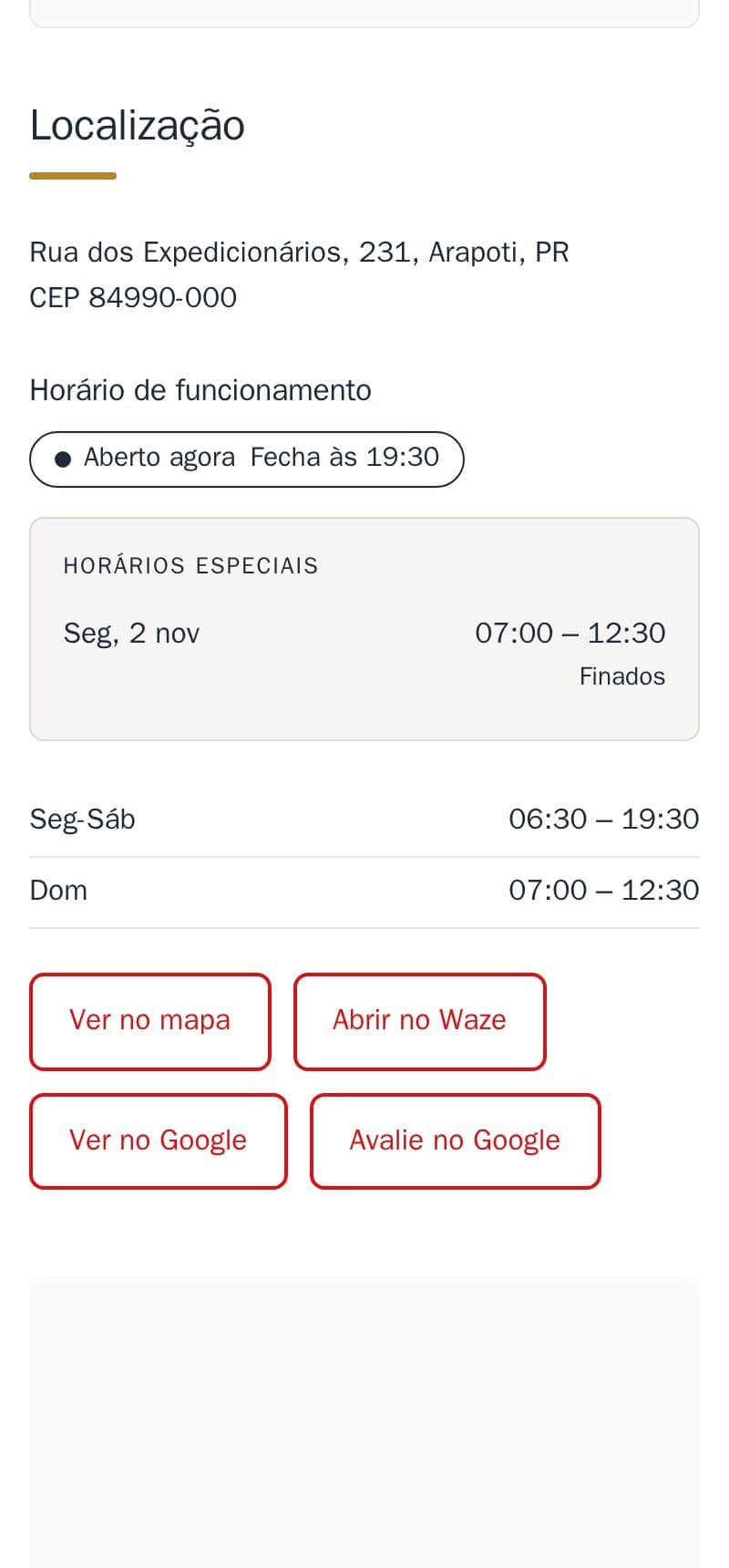
Connect your site to your Google Business Profile: one button to see the profile, and one for customers to leave a review.
- Review us on Google opens your business's review window directly: more reviews, with fewer steps for the customer.
- View on Google opens your profile, with its photos and reviews.
- Google understands that the site and the profile belong to the same business.
It is part of the site, at no extra cost. The buttons sit in the location section, next to the map and Waze. The cover image is an example on the demo bakery, which has no Google profile.
How to ask for it
Send me on WhatsApp the link to your Google profile (in Google Maps: Share → Copy link). I find the rest and add both buttons.