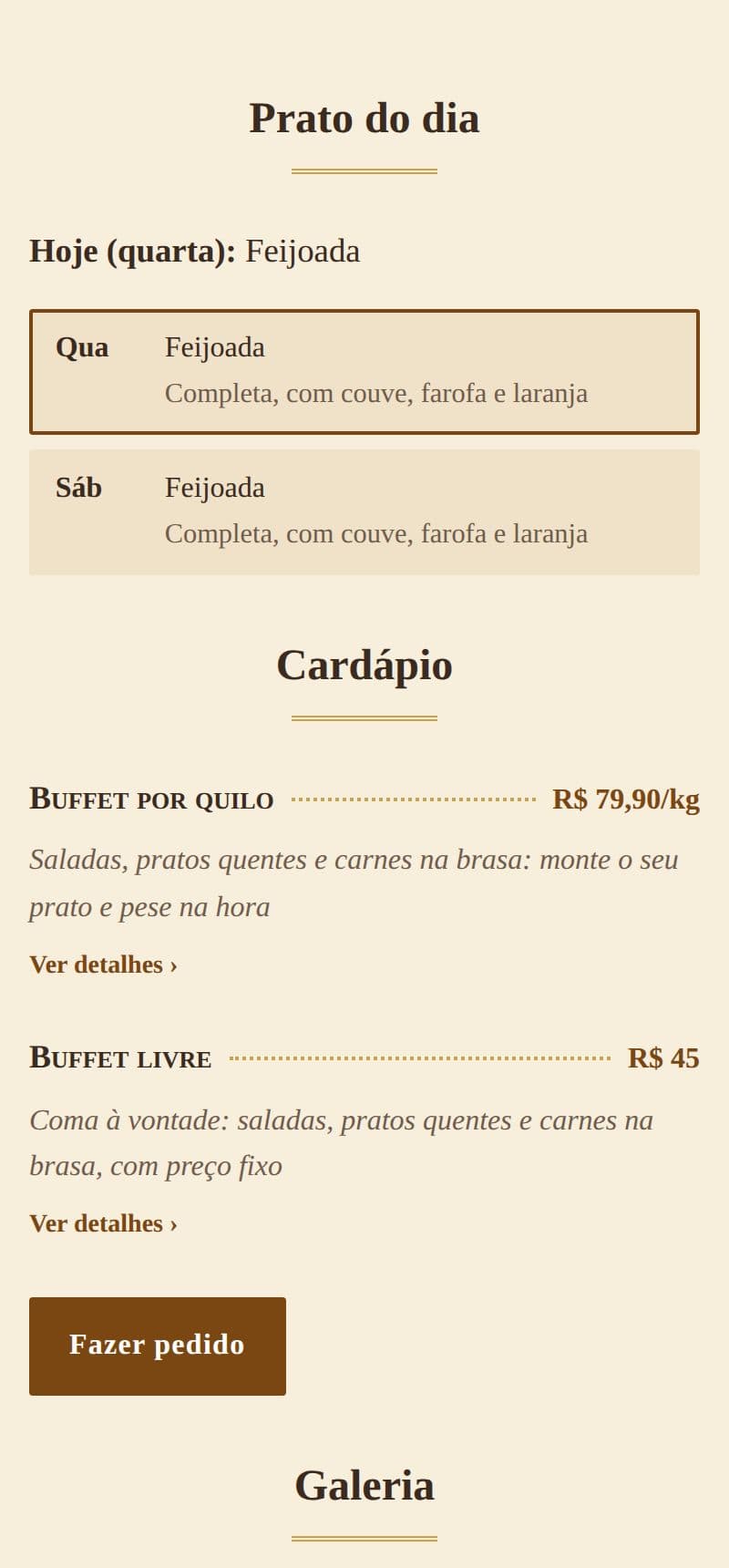
Feijoada on Wednesday, fish on Friday: each day's fixed dish shows on your site, with today's highlighted.
- On the site, today's comes first, “Today (Wednesday): Feijoada”, with the whole week below.
- On the days you are closed, only the week shows.
- A day can have more than one dish, with a short description if you like.
It is part of the site, at no extra cost. See it on the example restaurant.
How to do it in the editor
The editor is in Portuguese; the button names are in quotes.
- In the editor, go to “Prato do dia” (dish of the day).
- Tap “+ Adicionar prato” (add dish), choose the weekday and write the dish, like “Feijoada”.
- The description is optional: “With kale, farofa and orange”.
- Tap “Publicar” (publish).
To reorder or delete, tap the dish and use ↑ ↓ or “Excluir” (delete). On a products or services site, the “Prato do dia” section shows in the editor once I switch it on: just ask me on WhatsApp.