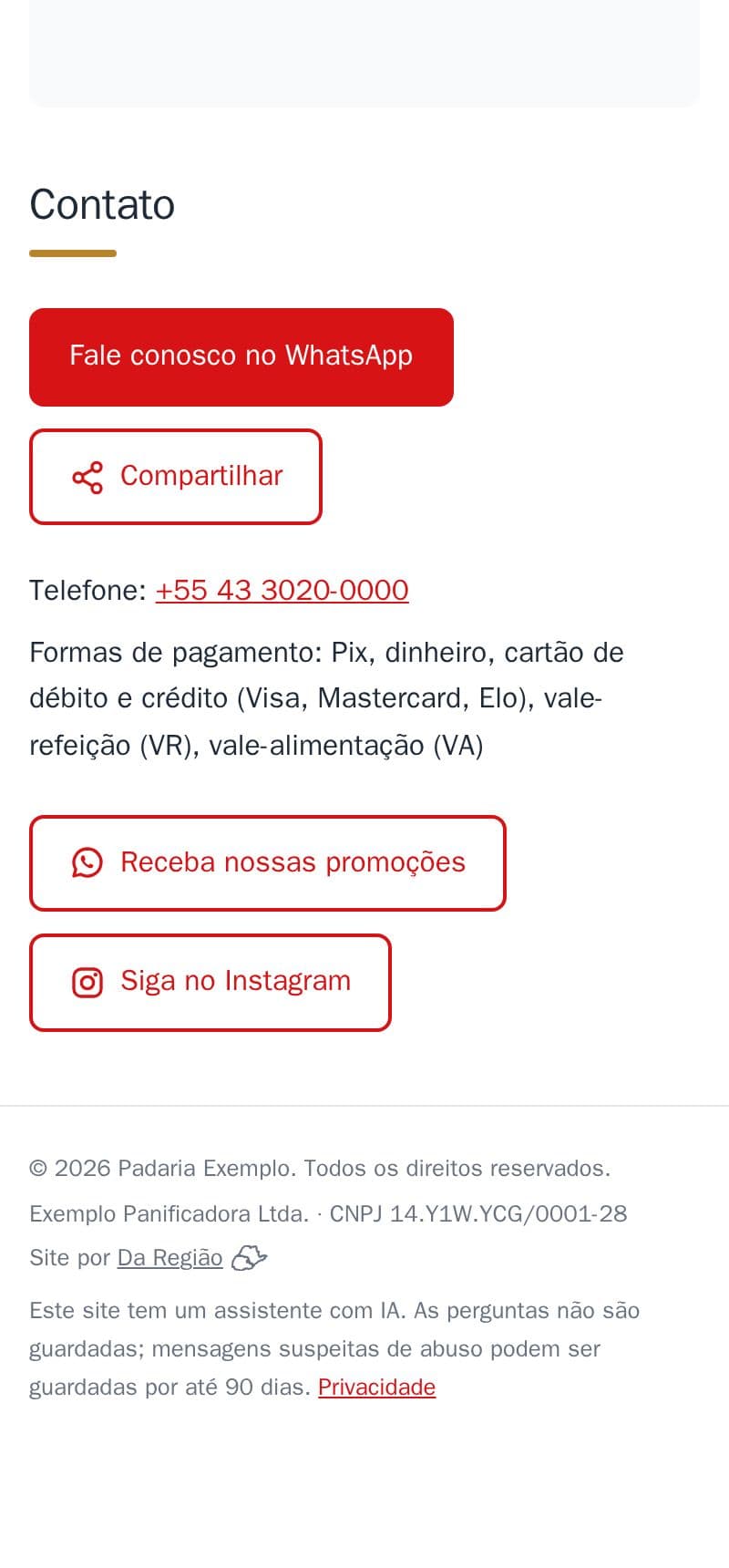
Your CNPJ (Brazilian company number) and registered name on a discreet line in the footer: customers see the business is registered.
- A small line in the footer: “Padaria Exemplo Ltda. · CNPJ 00.000.000/0001-00”.
- The registered name only shows when it differs from the business name.
- The editor checks the CNPJ's digits before publishing.
- No CNPJ? Nothing shows. The site has no field for a CPF on purpose: it is personal data.
It is part of the site, at no extra cost. See it in the footer of the example bakery (a demo CNPJ).
How to do it in the editor
The editor is in Portuguese; the button names are in quotes.
- In the editor, in the footer, tap “+ Adicionar razão social e CNPJ” (add company name and CNPJ).
- Write the “CNPJ” and, if you like, the “Razão social (opcional)” (registered name). Tap “Pronto” (done).
- Tap “Publicar” (publish).
To take it off the site, tap the CNPJ line, then “Tirar do site” (remove from the site).